
Capture One now has built-in negative conversion.
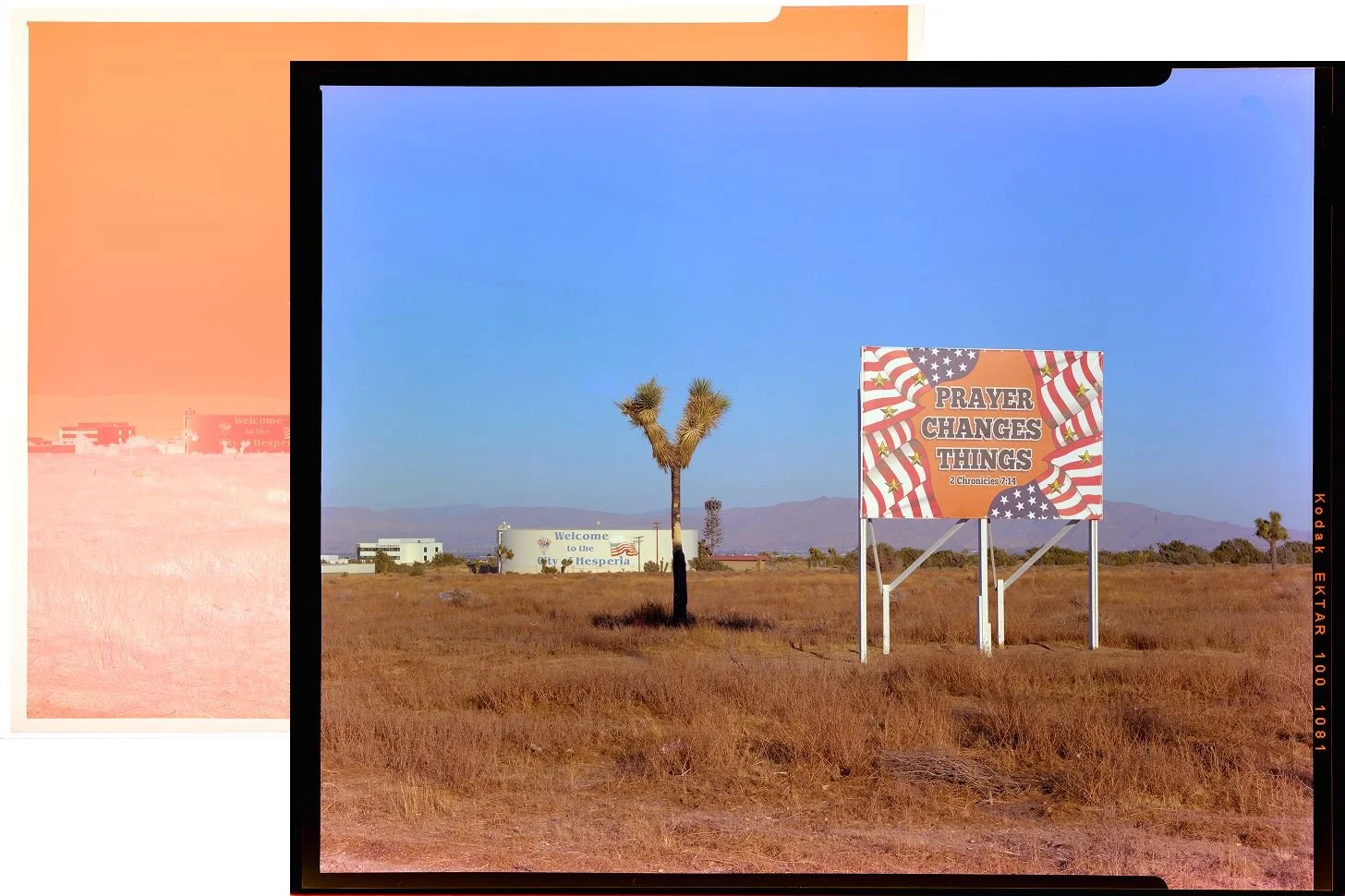
Capture One now supports film scanning, with some very interesting new workflows
It feels like the rise of film photography is speeding up in many areas, with new stocks being released, new cameras too but one area is lagging and that is the digitising process. The Lightroom and Negative Lab Pro plugin pair rules the roost at the moment and don’t get me wrong. That’s what I’ve been using for quite some time and it servies its purpose. That said a little competition is never a bad thing and it’s good to see new tools become available, especially if they approach things differently, as not all tools will suit all users.
With that in mind I was really excited to see Capture One announce a new version, with a whole new set of features, aimed squarely at the film photographer. I’ve used Capture One a lot, for my digital work and I love the pipeline, the interface and the depth of control that it offers. I also prefer the file management over Lightroom’s but I stopped using it because I wanted to keep everything under one roof, which meant Lightoom/NLP.
Capture One takes an approach which I really appreciate. It’s not exactly a million miles away but has enough differences to make the switch well worth it. Firstly, shooting tethered. Scanning directly from within the editing software is fantastic and speeds up the process. Using my main monitor, without breaking the flow, while setting white balance, cropping etc is a real joy.
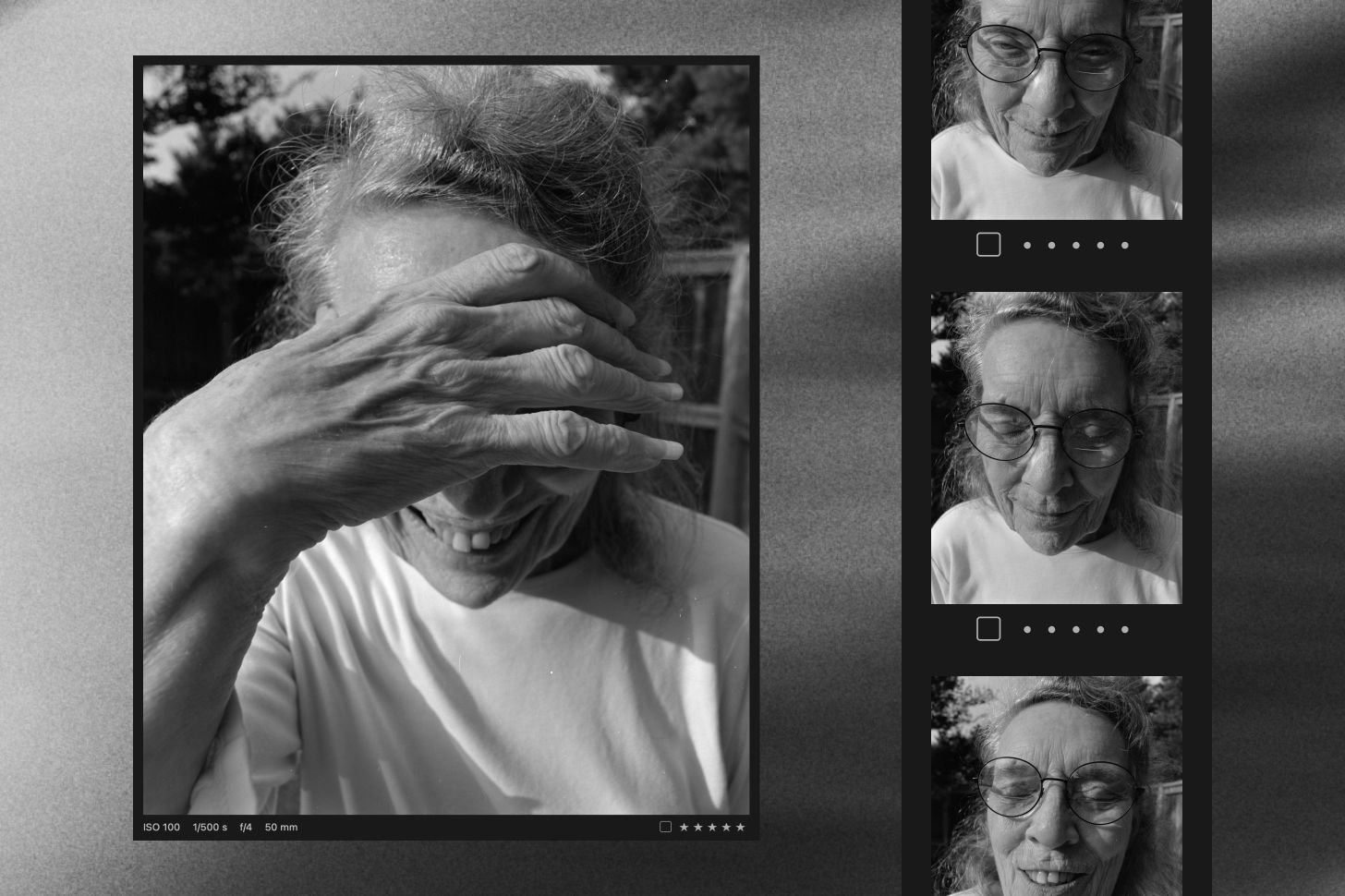
Scanning directly into your editing tools is a big deal.
Then there’s the way you can set a single frame, make a preset from it, or simple apply the rules you’ve set to the entire roll, as you scan, including crops, white balance etc. The worst part of film scanning, for me, is the repetitive nature of it and Capture One has solved this, making it massively rewarding. There are intricacies that I’ll go into in a full review but for now, I’m diving in and really enjoying scanning my film in a new way..
Keep an eye on the site, or join the newsletter, to be notified when the full review goes up. I need to spend more time and process more film before I make a definitive review.
UPDATE
I’ve been doing a lot of testing, comparing my Lightroom workflow against the Capture One workflow and I have some thoughts.
Although you can tether with both Capture One is particularly well suited to it and even more so for scanning negatives. Having everything in one place, rather than relying on third party plugins, is huge. You never know when compatibility could become an issue for a start, then there’s one less license to worry about, fewer tools to learn, less admin etc.
Then there’s the actual process. Capture One makes scanning a real pleasure. You setup some guides, line up your film carrier, set white balance on your first frame, then off you go. Your settings are applied to the whole roll and all you need to do is roll the film through your carrier. Oh and Capture One is way more reliable when tethered too.
Then there are the results. I won’t say one is better than the other here, as that will be a matter of taste but I do think Capture One produces significantly more accurate results from the get go. Both tools have plenty of tools to dial in what you want but I find I spend far longer in Lightroom trying to get there and I’ve used both for many years.
I really like the UI layout in Capture One too. It’s very logical, easy to navigate and, I think, makes better use of space.
Here’s a test I made of a frame. On the left is Capture One, on the right is Lightroom. Both raw scans, with simple levels and white balance taken from the same spot. I’ll let you judge which is better. More on this and a full review coming soon…
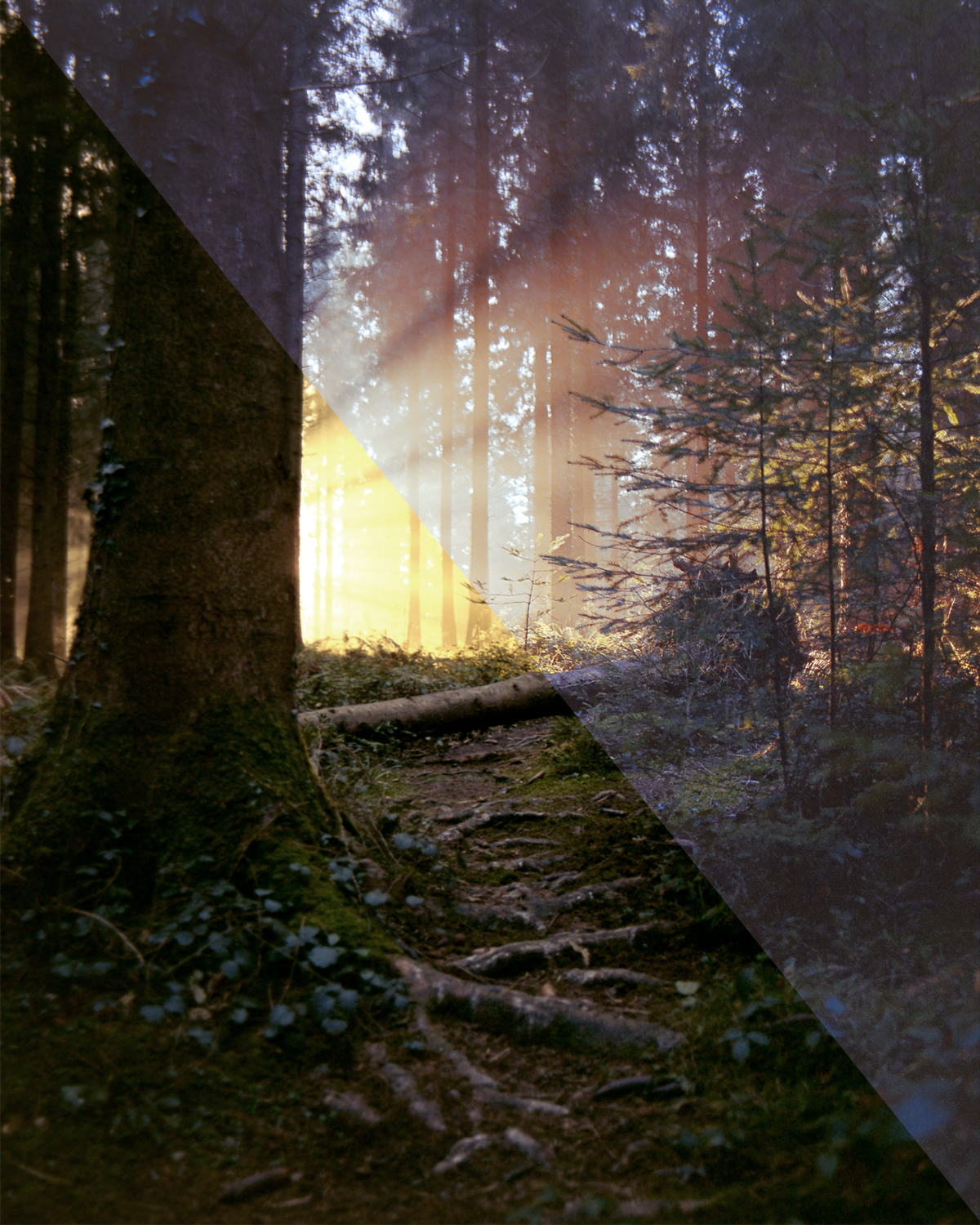
A very simple test of a shot with quite a tonal range to see how both pieces of software deal with it.
Price and availability
Available now from Capture One, as part of each license type, from the various subscriptions to the perpetual license.